In our electronics production exercise we produced a PCB board ( Fab ISP) by using an existing circuit design from fab academy. Now it is time to design an electronics circuit.
In order to finish this exercise we are supposed to use an existing electronics design and add at least a button and an LED. To do so one needs to redraw the given circuit design on eagle or equivalent software and add the components and produce the trace for the board (PCB) making.
Here one learns mostly how to use eagle software and how to add components from the fab library
The following pictures and descriptions will show my activities for this exercise
|
|
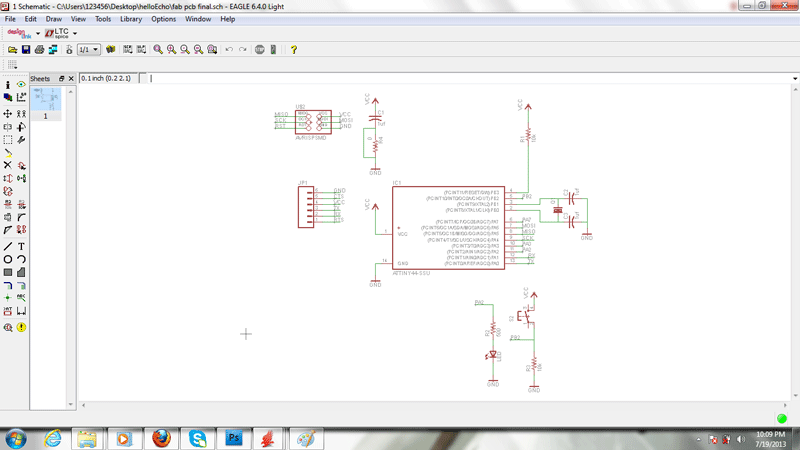
The schematic drawing on eagle with button and led |
| |
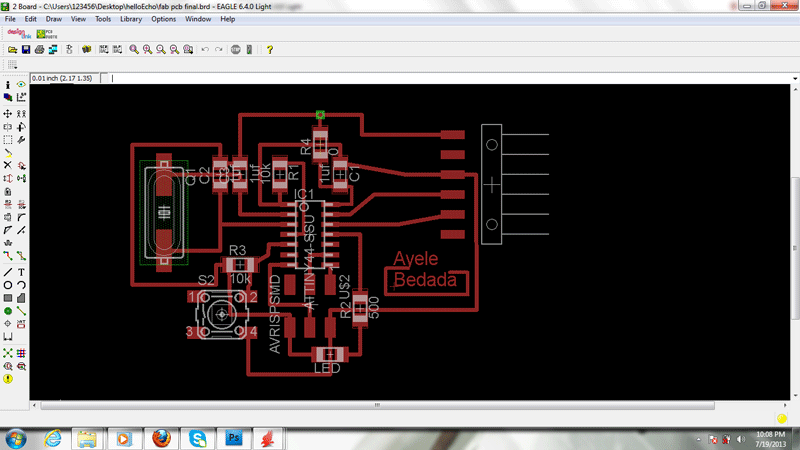
The echo bpard drawing with button and led
While routing it s better to concider the thichness of the wire as it is going to be difficult to mile the trace on rolland modella. But the thickness ot the lines should not also be too thick to pass between the legs of the components incase routing requres such passes
|
| |
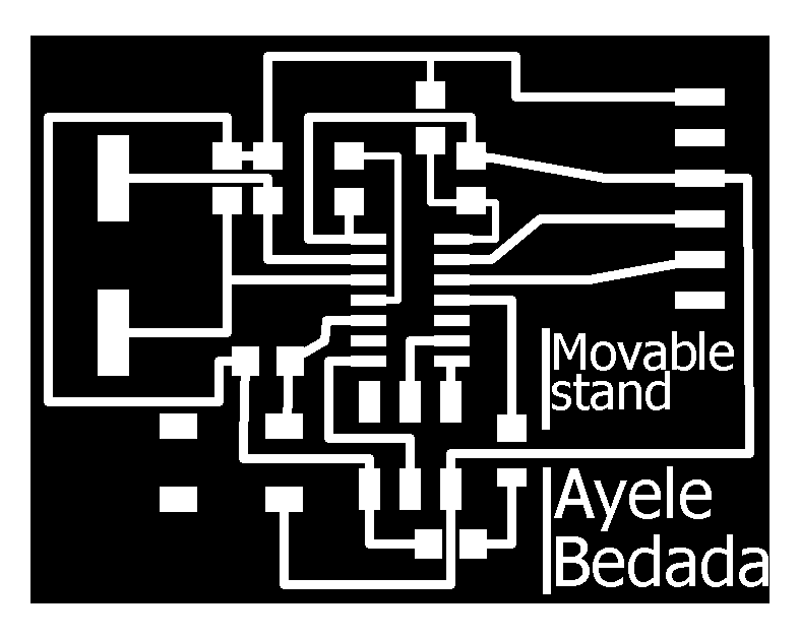
The trace to be miled by rolland modela
|
| |
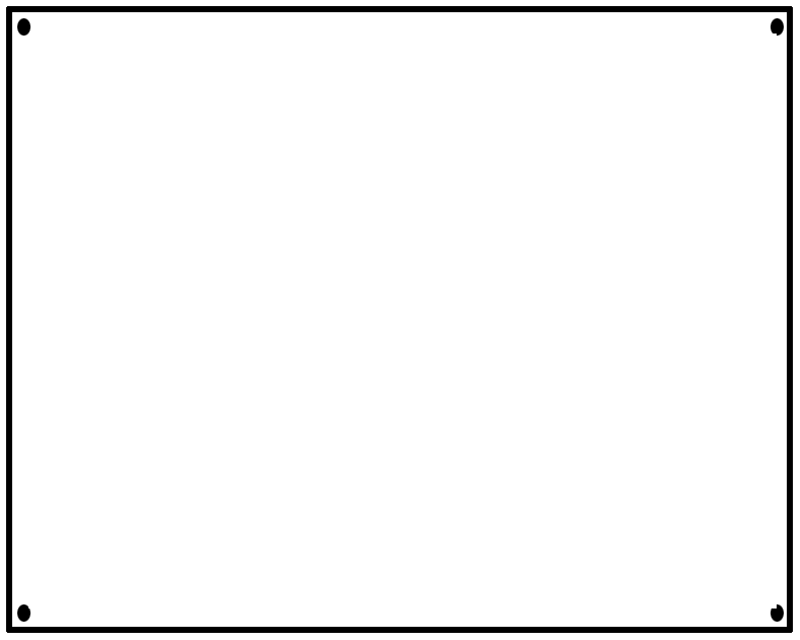
Here i tried to make the cut and holes for the board
|
| |
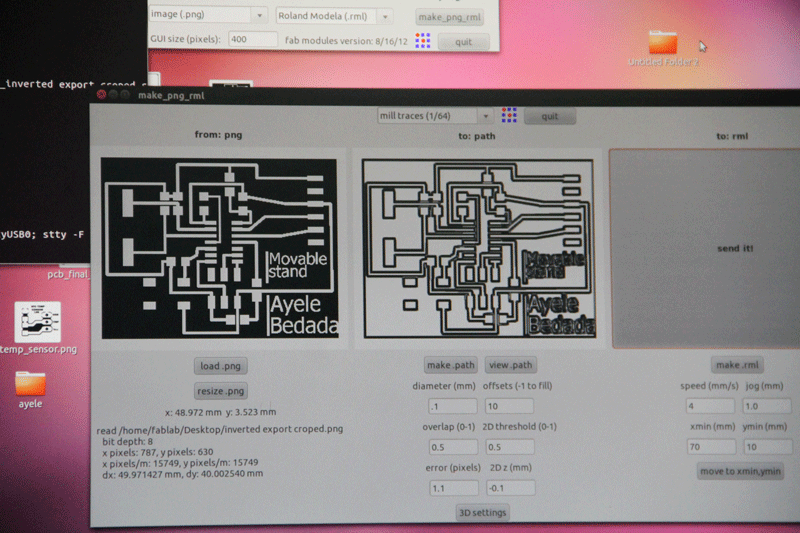
As I have not get a chance to use the rolland modela for my fab ISP exercise I hade to study how to use the machine and turns out it was quite an experience. see the followong links for tutorial how to use and maintan rolland modela machine (##)
|
| |
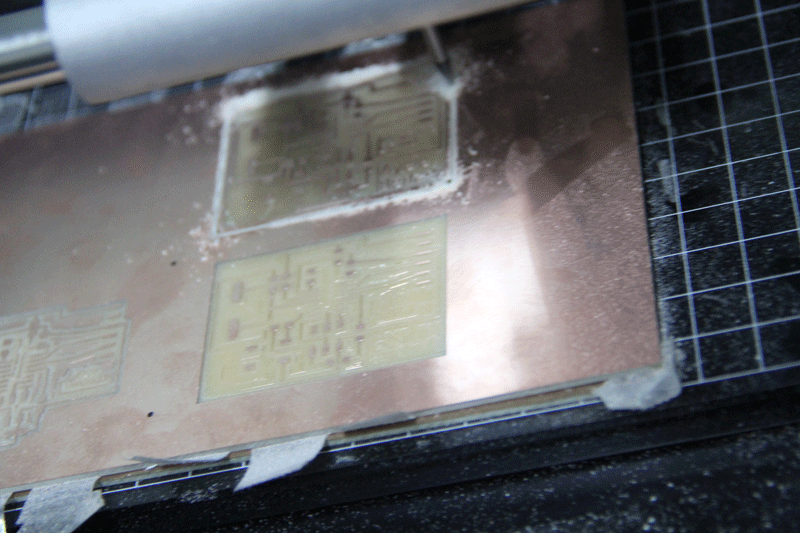
The board being miled
|
| |
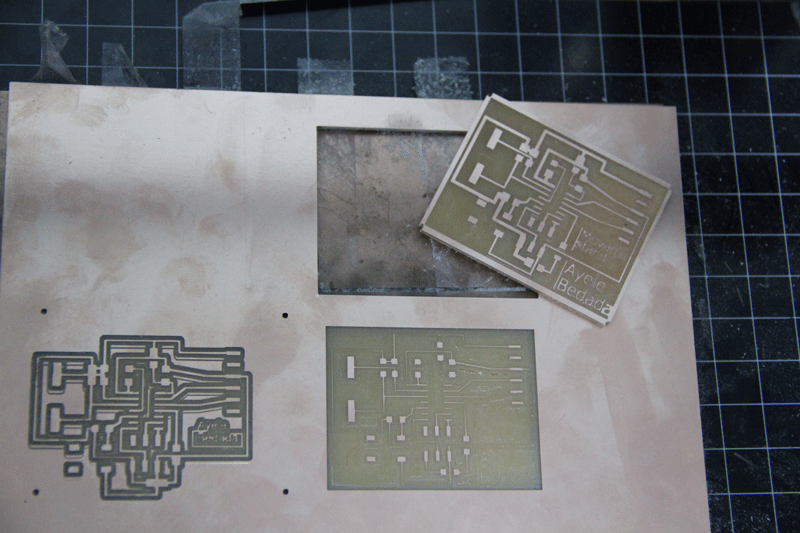
As shown on the above link for the rolland modela tutorial different settings will give different out comes
|
| |
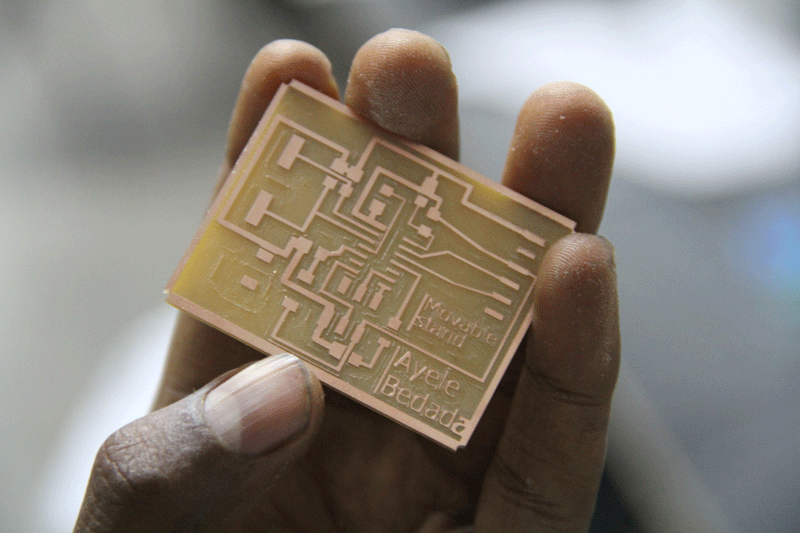
The final miled board
|
| |
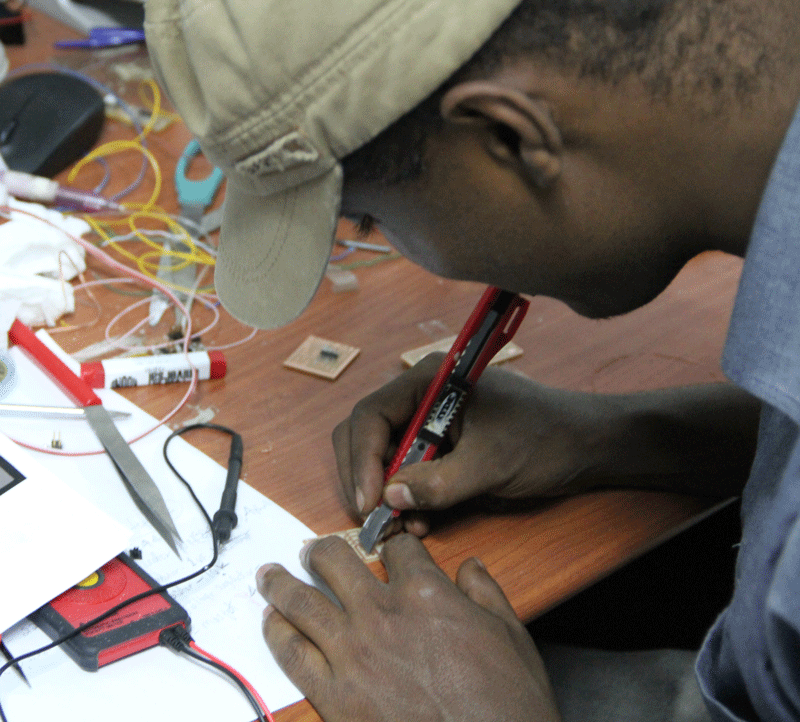
After miling the board , while soldering the components and after soldering the componets it is nessesary that one checks for the continuty of all connectiopns by making use of multi-meter. If there are any disconnected lines or shorted passes, you will have to make them right. |
|
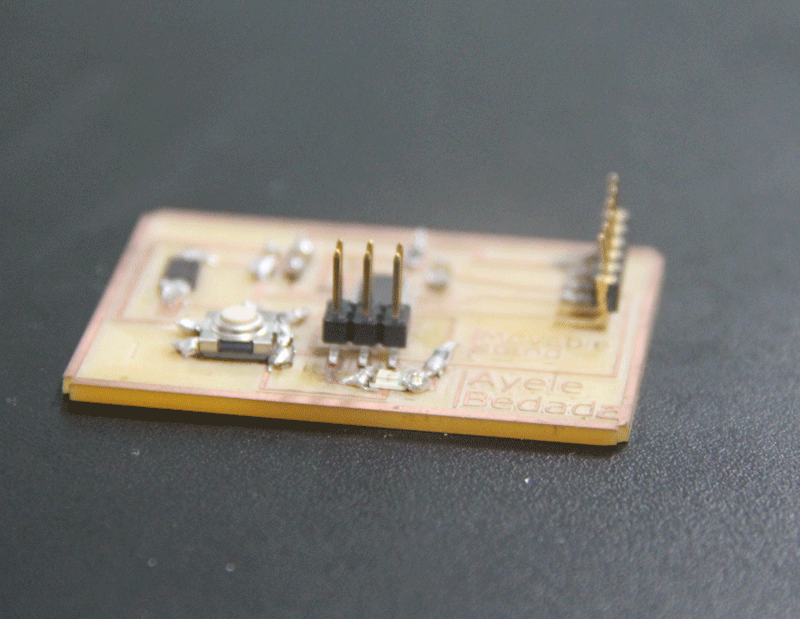
The board after mounting ( soldering the components). A button and LED in addisiton to the already given components by the original hello echo circute.
|
